
There are a couple of ways to access your control panel, which gives you access to set up email accounts, FTP access, file manager and much more.
Option 1 - From the Home Screen
Log in to your account.
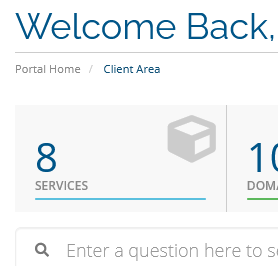
On the Client Portal home screen, click on Services (or chose Services - My Services from the sub menu).
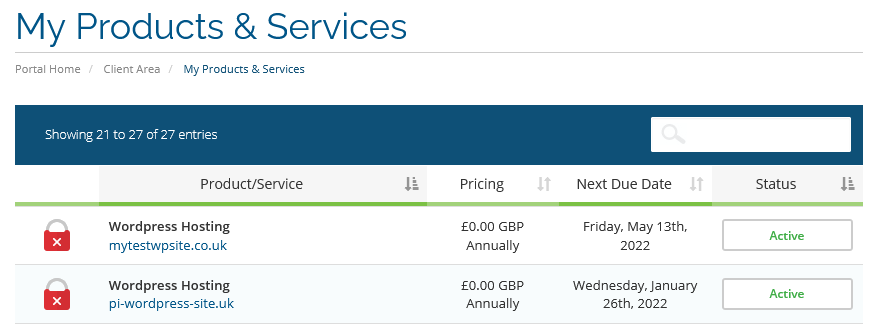
Using either of the above routes will bring you to the My Products & Services page.
MY Products and Services page
Find the service you wish to manage and click anywhere in that row, but not on the domain name which opens to your website. below.
Scroll to the bottom of the page, where you will see the Log in to Control Panel button, which you should click.

The Control Panel will open in a new window.